 Starter
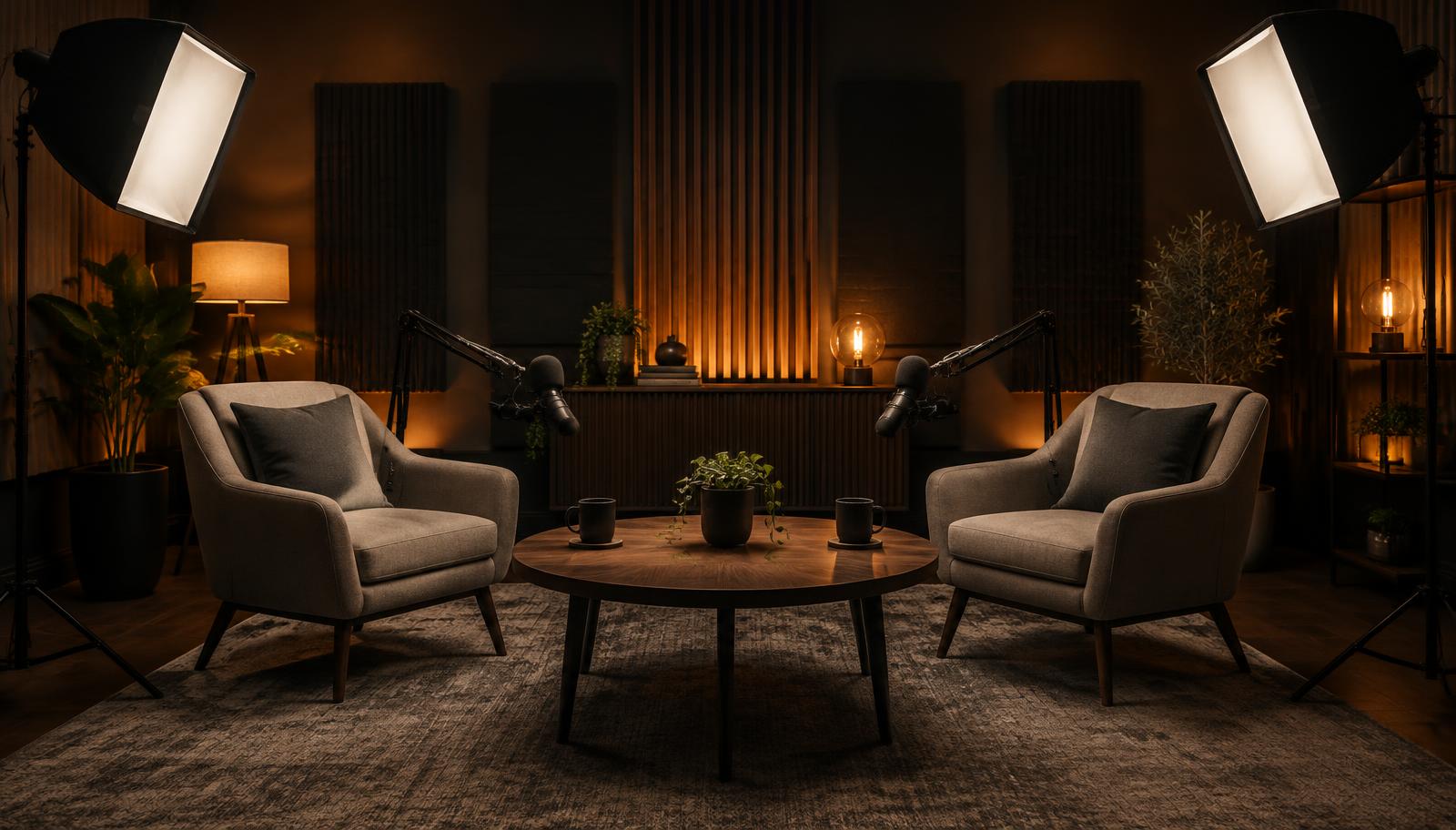
 Podcast Studio
For beginners who want to launch their first video podcast with a practical, affordable setup.
- Camera basics
- One quality microphone
- Simple lighting
- Headphone monitoring
Coming Soon | Worldwide Release
The 30-Day Video Podcast Blueprint
From your first idea to your first published episode.
Learn the exact process behind launching a professional video podcast, from choosing your equipment and creating your studio to recording, editing, publishing, and building your audience.
Plan, produce, record, edit, launch and grow — with clear, honest guidance on the exact equipment you need. Created by Jeremy Bennett, host of one of LinkedIn's most prominent video podcasts, with nearly 600 episodes featuring business leaders and influential creators from around the world.
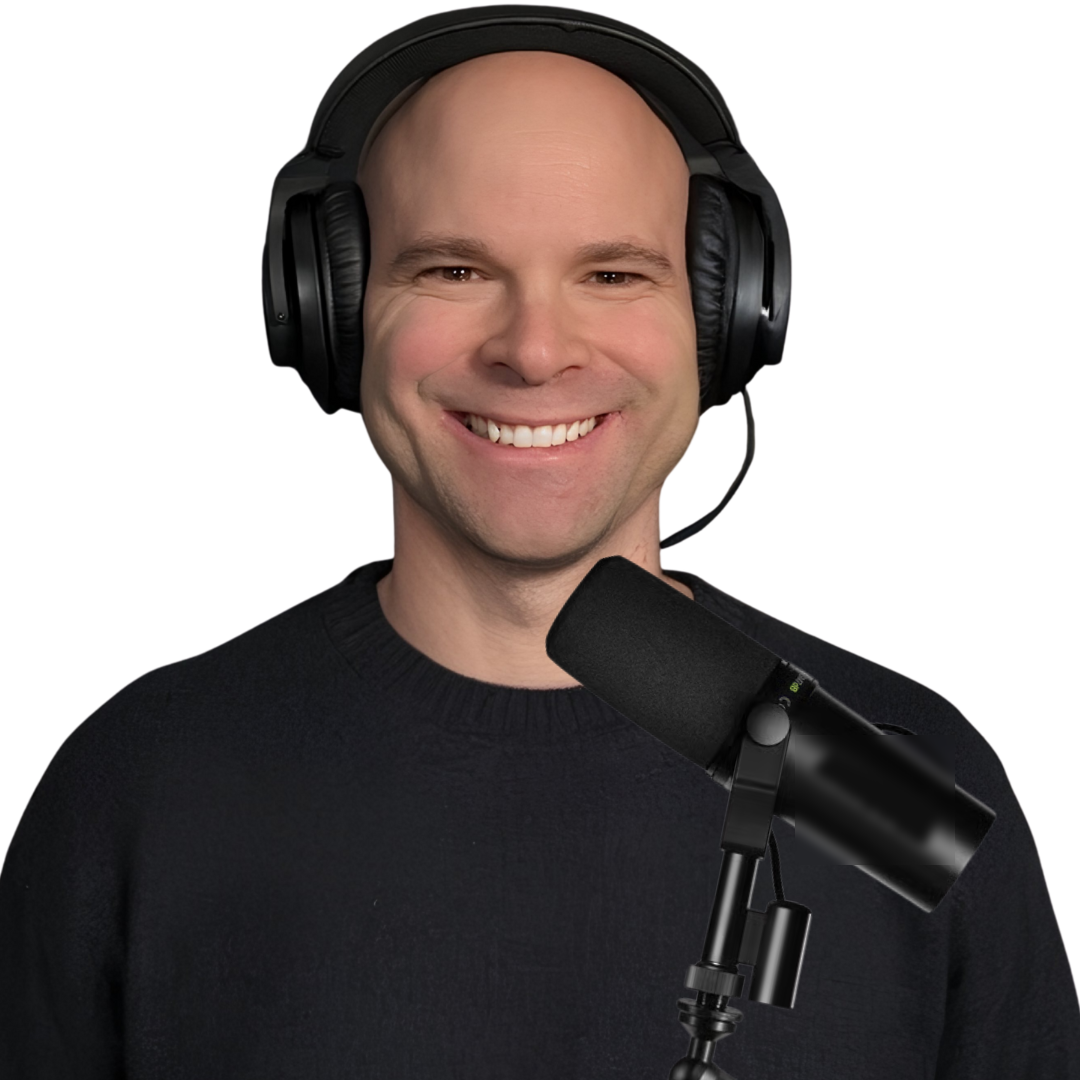
Jeremy Bennett
Host, Insights from LinkedIn's Top Business Leaders
Nearly 600
Podcast Episodes
5 Days a Week
New Episodes
10M+
Video Views Across Jeremy's Content
Global
Audience and Industry Recognition
"Learn from someone who has spent hundreds of episodes behind the microphone, interviewing some of the world's most influential business leaders and content creators."
Why This Course Exists
You need the right knowledge, the right tools, and a clear plan.
Thousands of aspiring creators want to start a podcast but get overwhelmed before recording their first episode.
This course is designed to answer those questions and guide students through the process step by step.
30 days. 10 modules. One clear goal: launch your video podcast.
The Technology Behind a Great Video Podcast
From choosing your first camera to capturing crystal-clear audio, I'll walk you through the equipment you need to create a professional video podcast, without wasting money on gear you don't need.
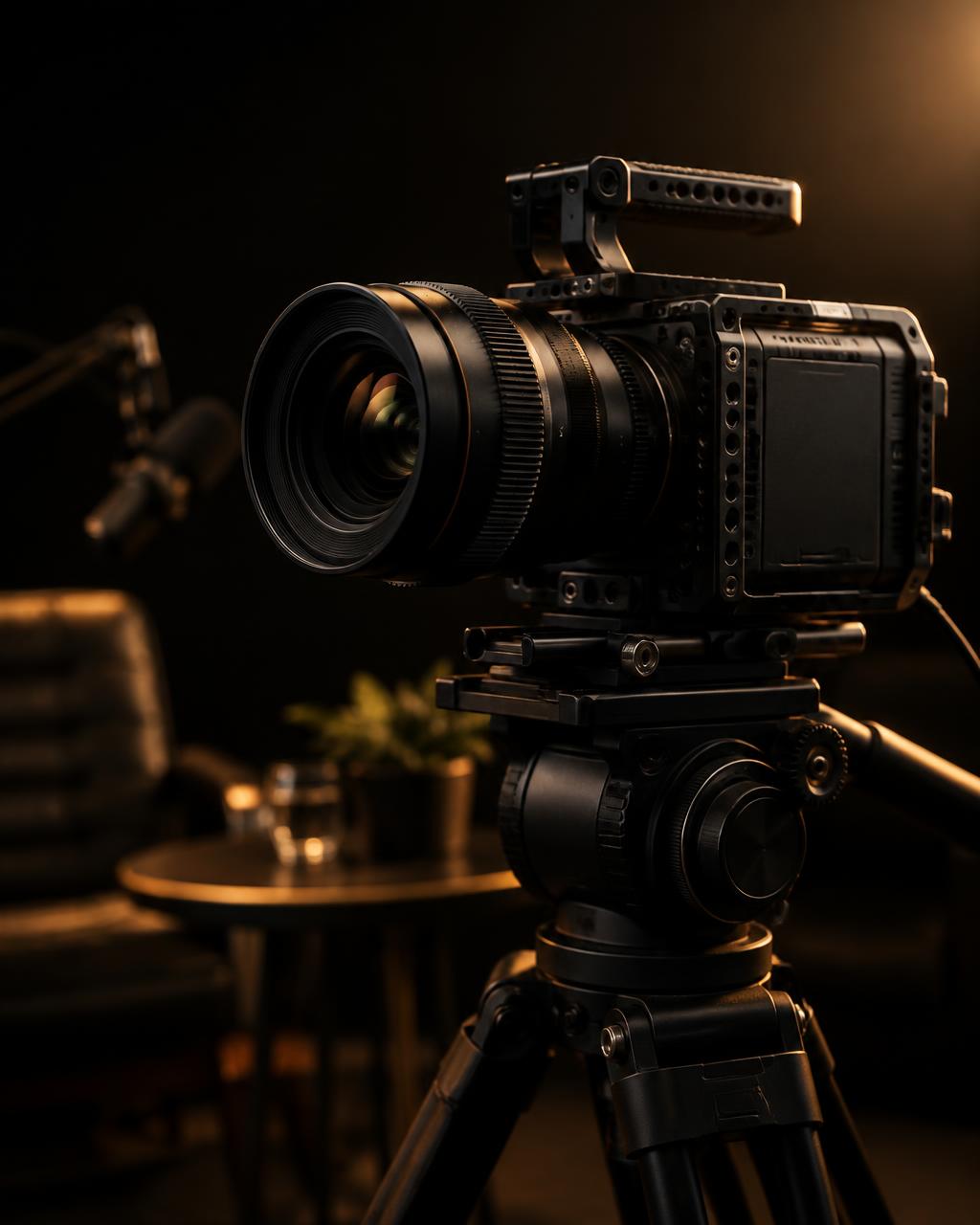
Cameras
Learn how to choose the right camera for your podcast, understand camera settings, and record professional-quality video.
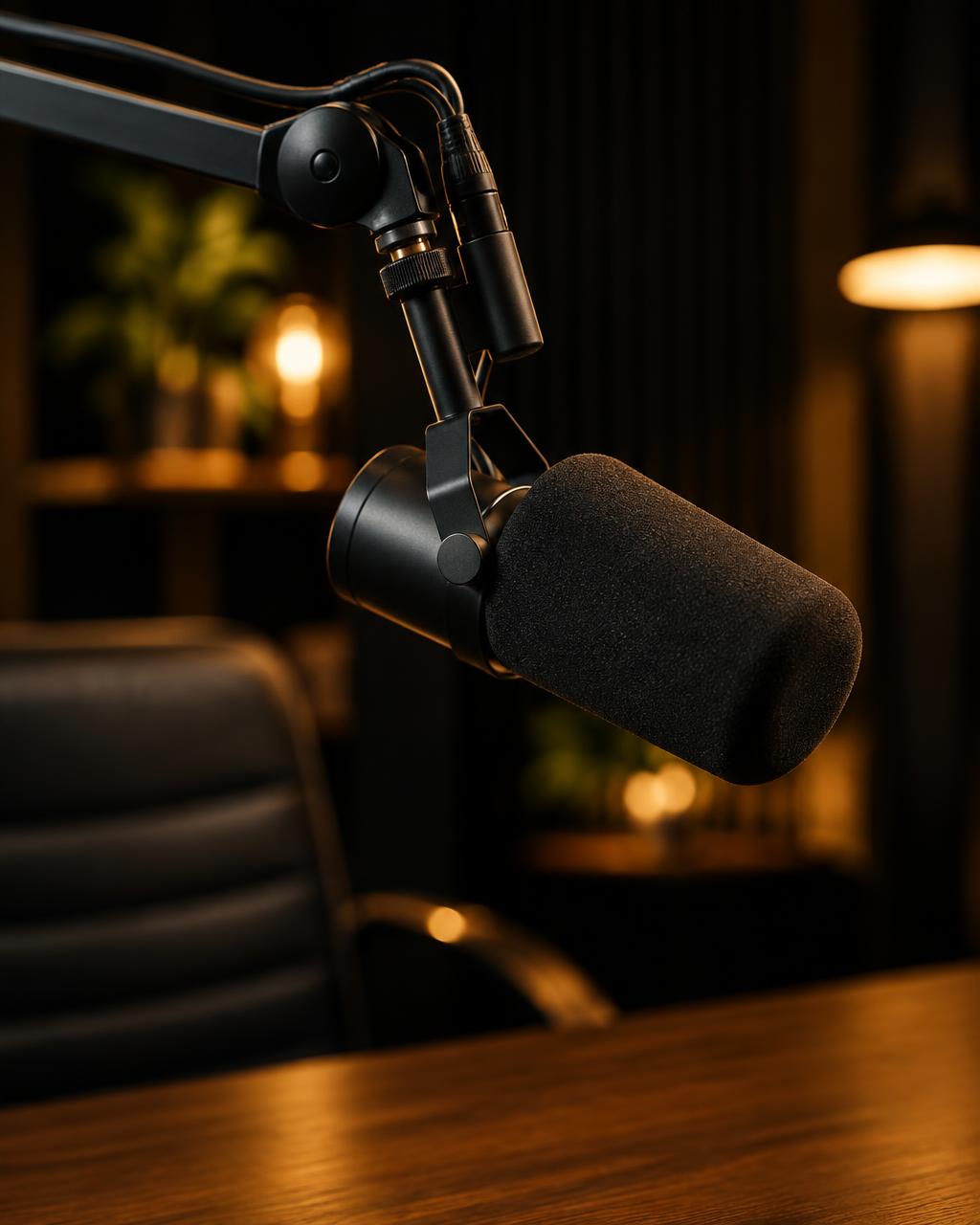
Microphones
Learn how to select a microphone, position it correctly, and capture clear, professional audio.
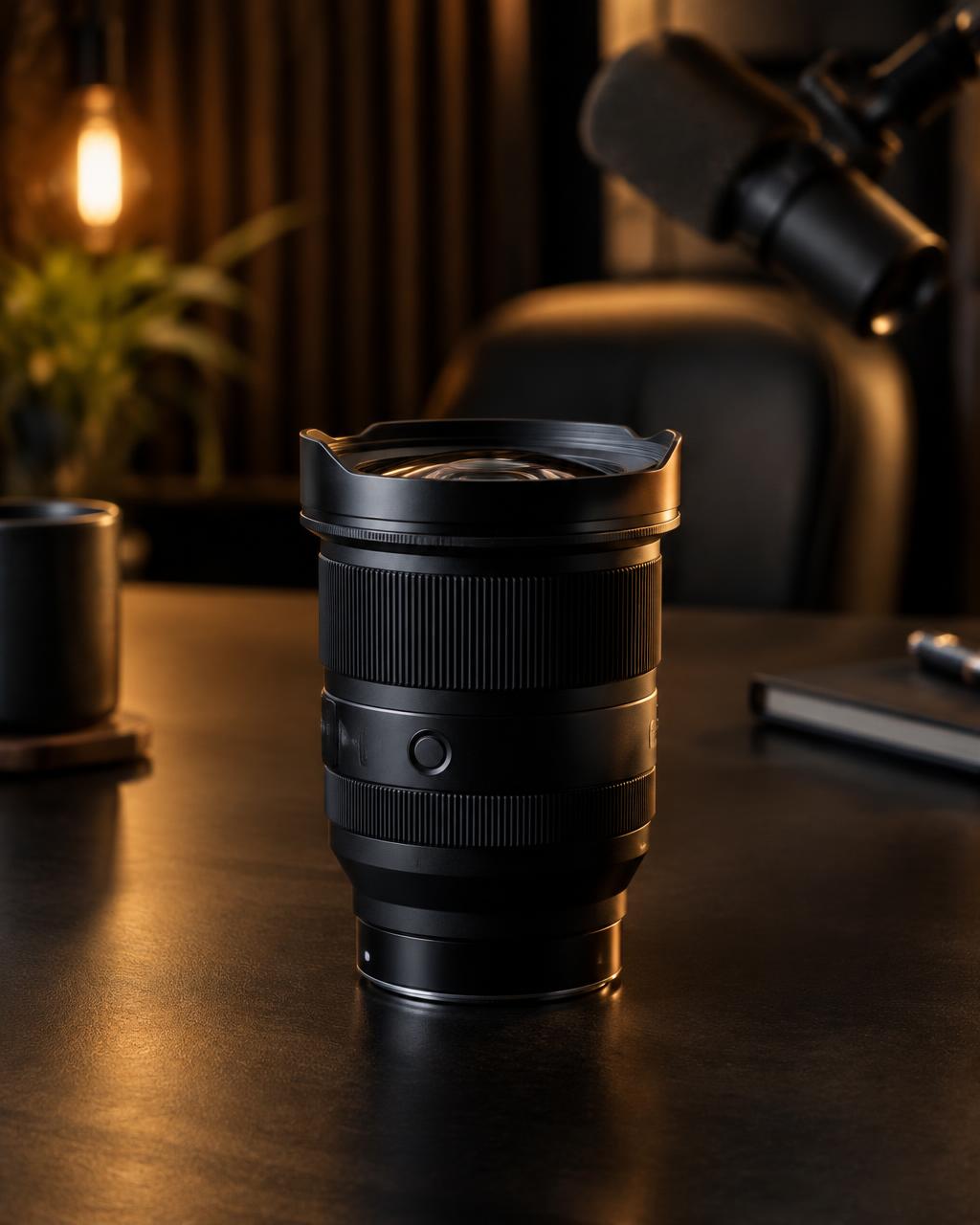
Lenses
Discover how the right lens can improve your framing, image quality, and background blur.
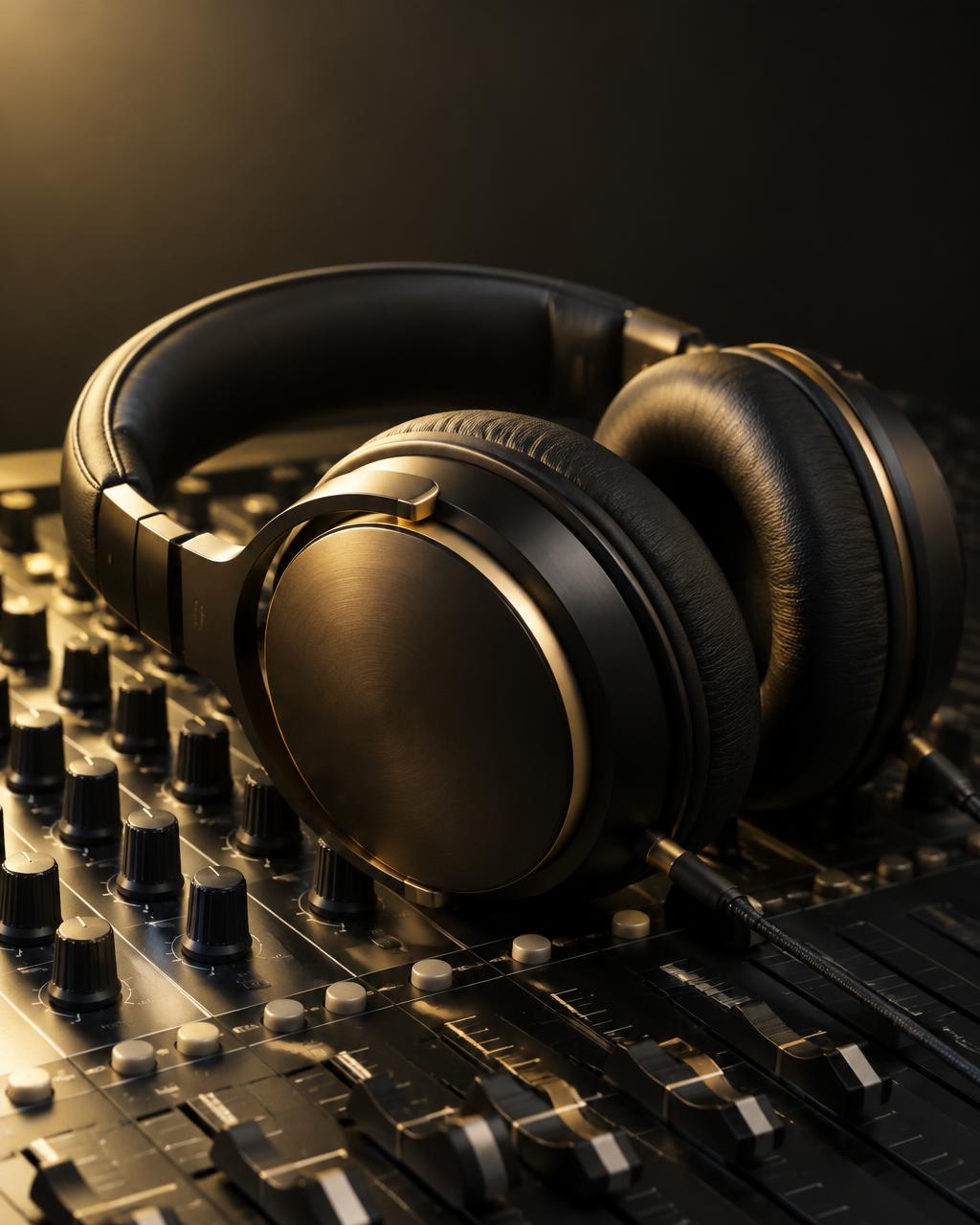
Headphones
Understand why monitoring your audio matters and how the right headphones can help you produce better recordings.
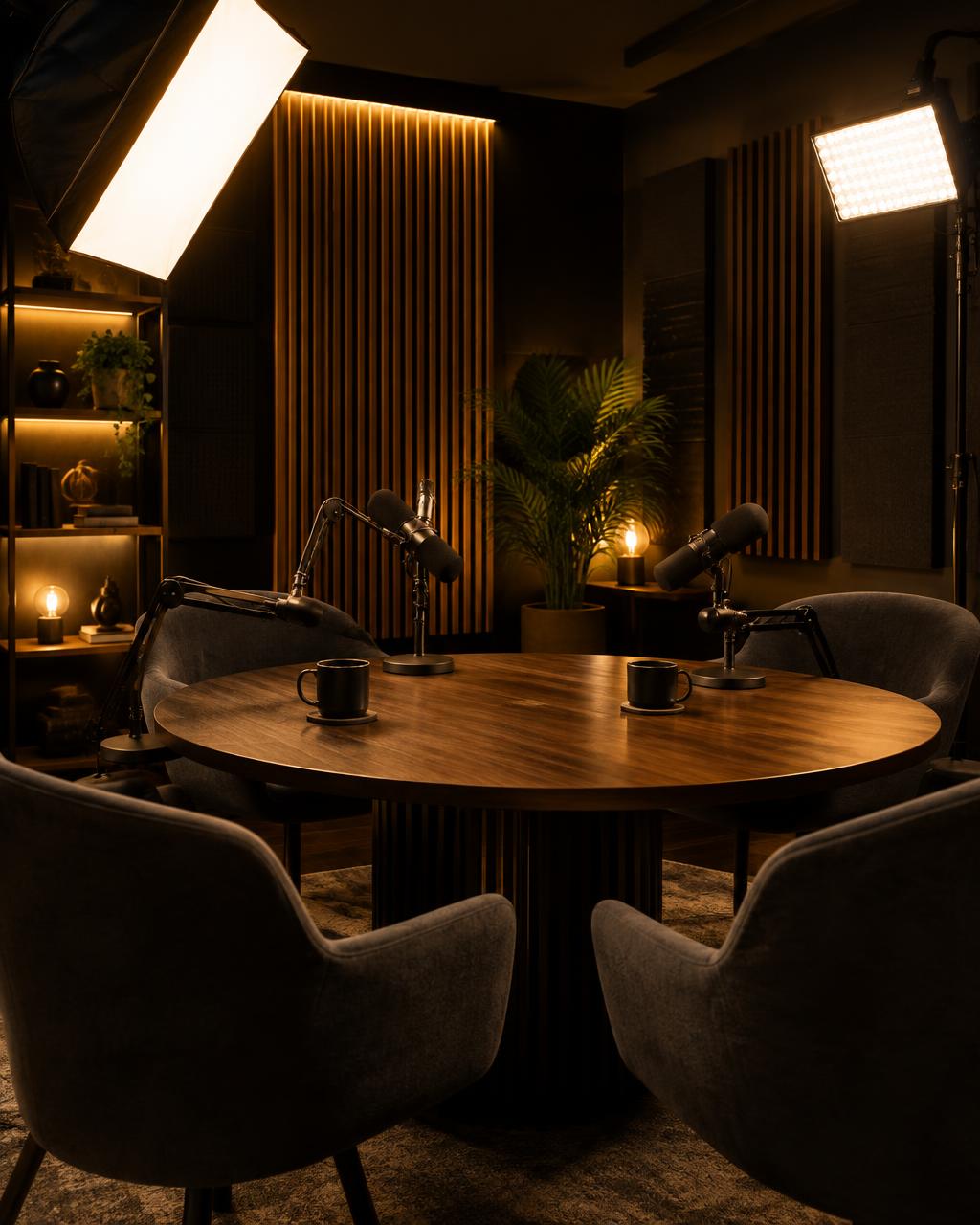
Lighting & Studio Setup
Learn how to position lights, frame your shots, design your background, and make your podcast look professional.
"Students will discover practical equipment recommendations, setup guidance, and production techniques developed through hundreds of real podcast recordings."
Explore the CurriculumStudio Setups
Whether you're starting with a simple setup or building a professional recording studio, I'll show you exactly what equipment to consider, how to set it up, and how to get the best results.
StarterFor beginners who want to launch their first video podcast with a practical, affordable setup.
 Professional
For podcasters ready to upgrade their video quality, audio, lighting, and overall production.
 Premium
For creators who want a high-end, professional podcast recording environment.
Hands-On Training
Great equipment only makes a difference when you know how to use it. I'll show you how to get professional results from your camera, lens, microphone, headphones, and lighting.
These are practical, hands-on lessons — not simply equipment shopping guides.
Behind the Scenes
After producing nearly 600 interviews with business leaders, I've learned what works, what doesn't, and which equipment makes the biggest difference. I'll take you inside my recording setup and show you how to build yours.
My camera and lens
Studio photo & details coming soon
My microphone
Studio photo & details coming soon
My headphones
Studio photo & details coming soon
My lighting
Studio photo & details coming soon
My recording software
Studio photo & details coming soon
My studio background and setup
Studio photo & details coming soon
Real photos of Jeremy's studio, equipment demonstrations, and product recommendations will be added here. The placeholders above do not show Jeremy's actual equipment.

Free Download
The Ultimate Video Podcast Equipment Guide
Coming SoonNot sure which camera, microphone, lens, or headphones to buy? This guide will help you understand your options and choose the right equipment for your podcast and budget.
Product photos, demonstration videos, and purchasing links will be included when the guide is released. Join the early access list to get it first.
Built for the Next Generation of Creators
A Bonus Along the Way
Along the way, you'll also learn valuable video production skills, including camera framing, lighting, audio recording, and studio design. Skills you can use for YouTube, LinkedIn, interviews, and other professional video content.
Behind the Microphone
Five new episodes every week. Hundreds of conversations with influential creators, entrepreneurs, and business leaders. Insights from LinkedIn's Top Business Leaders is the proving ground behind every lesson in this course.
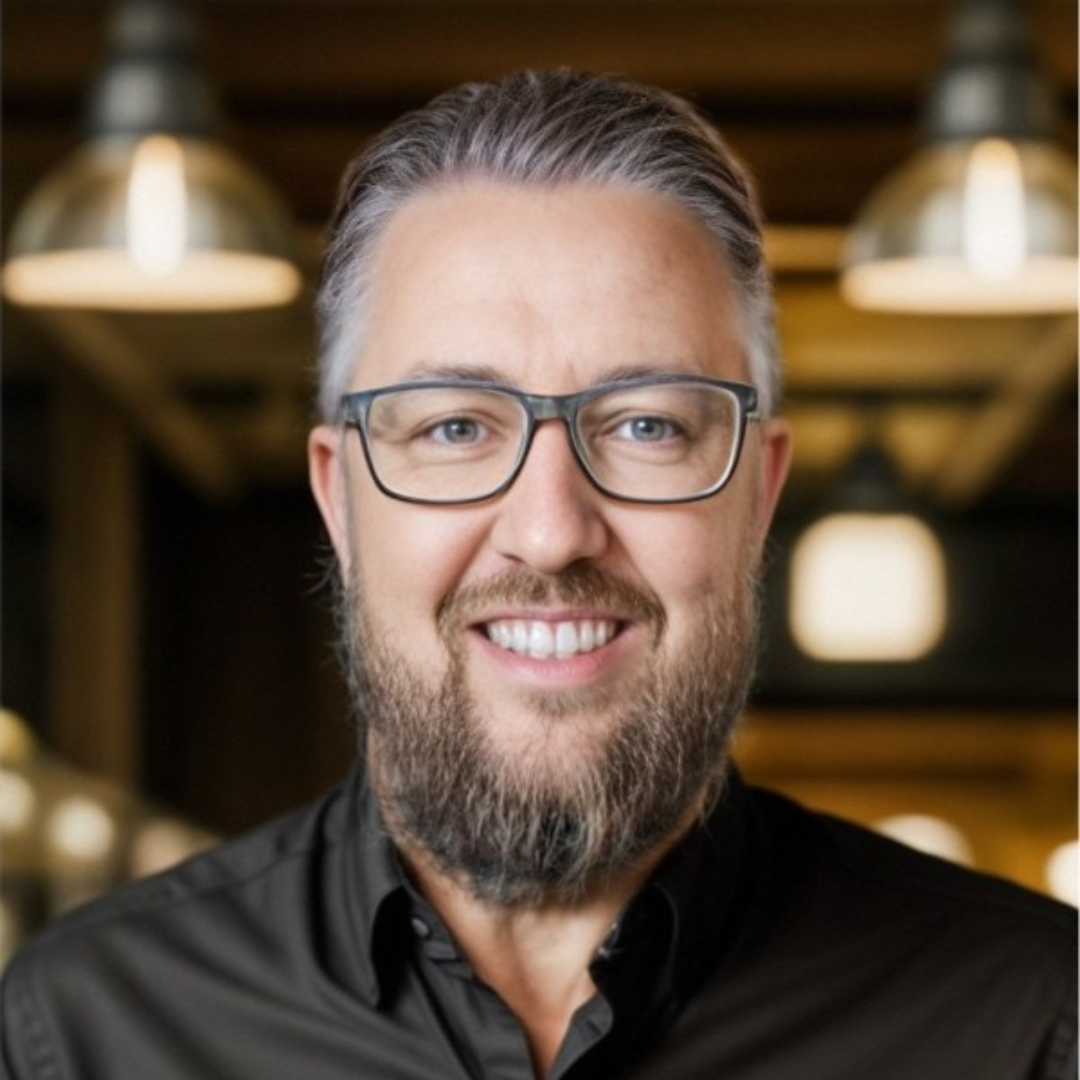
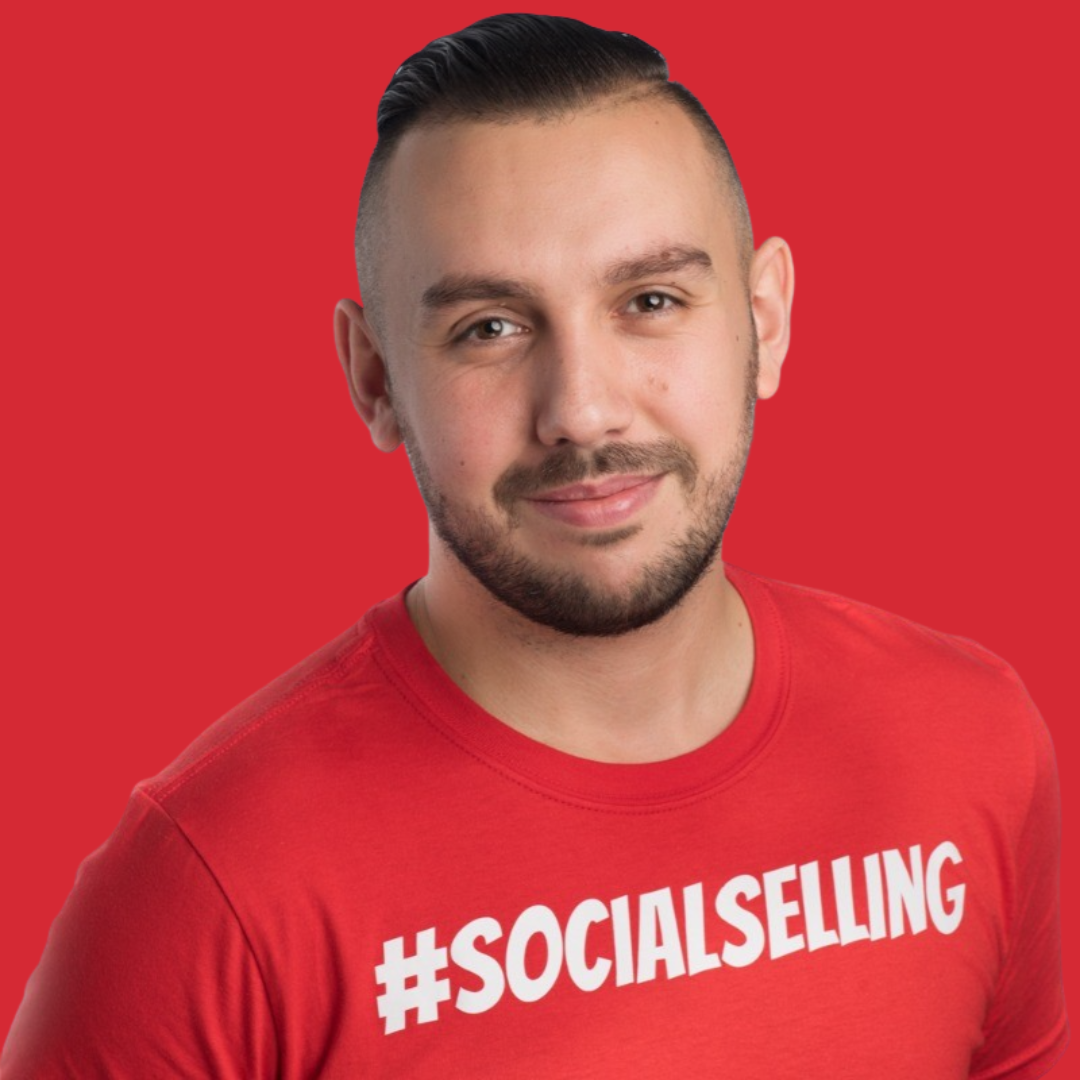
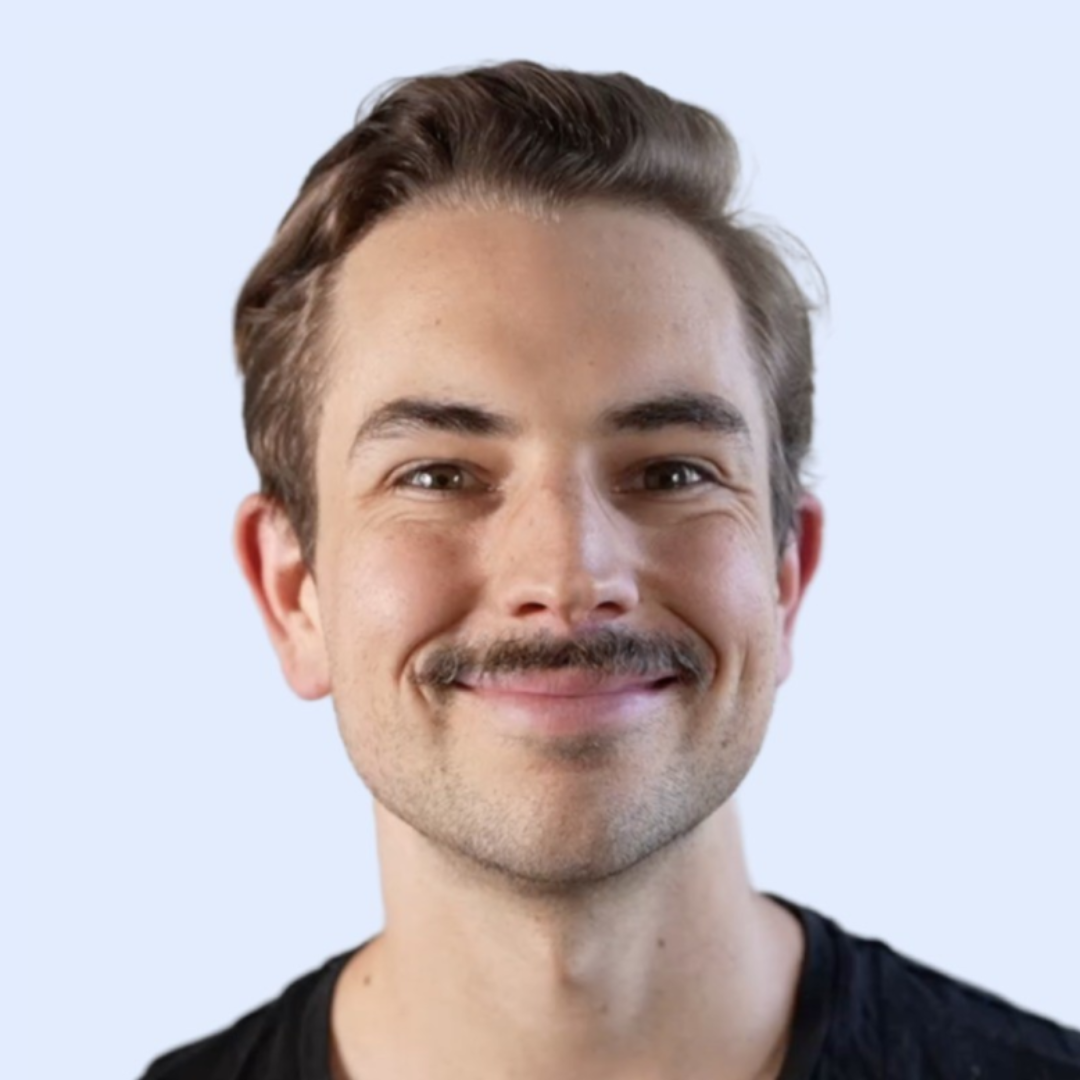
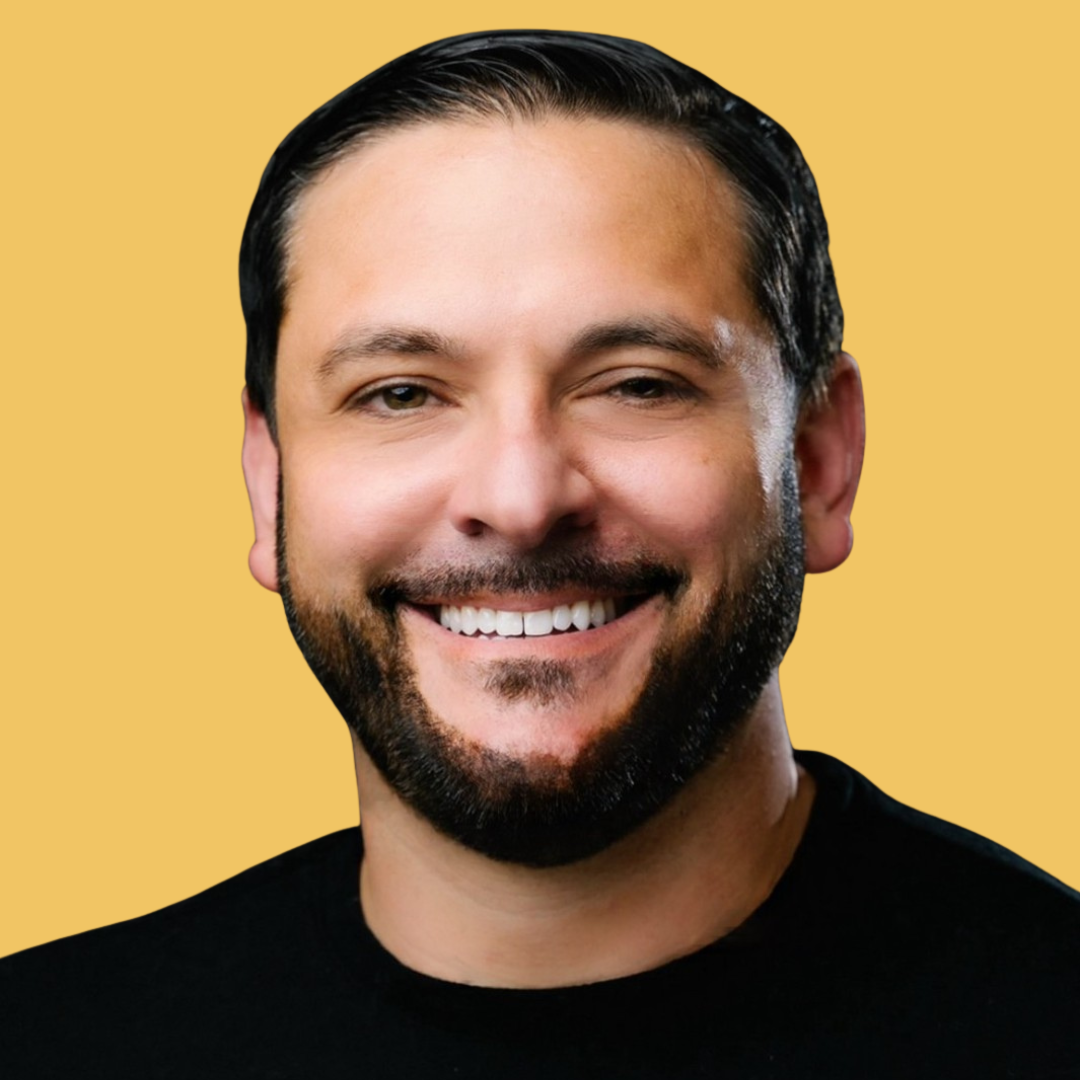
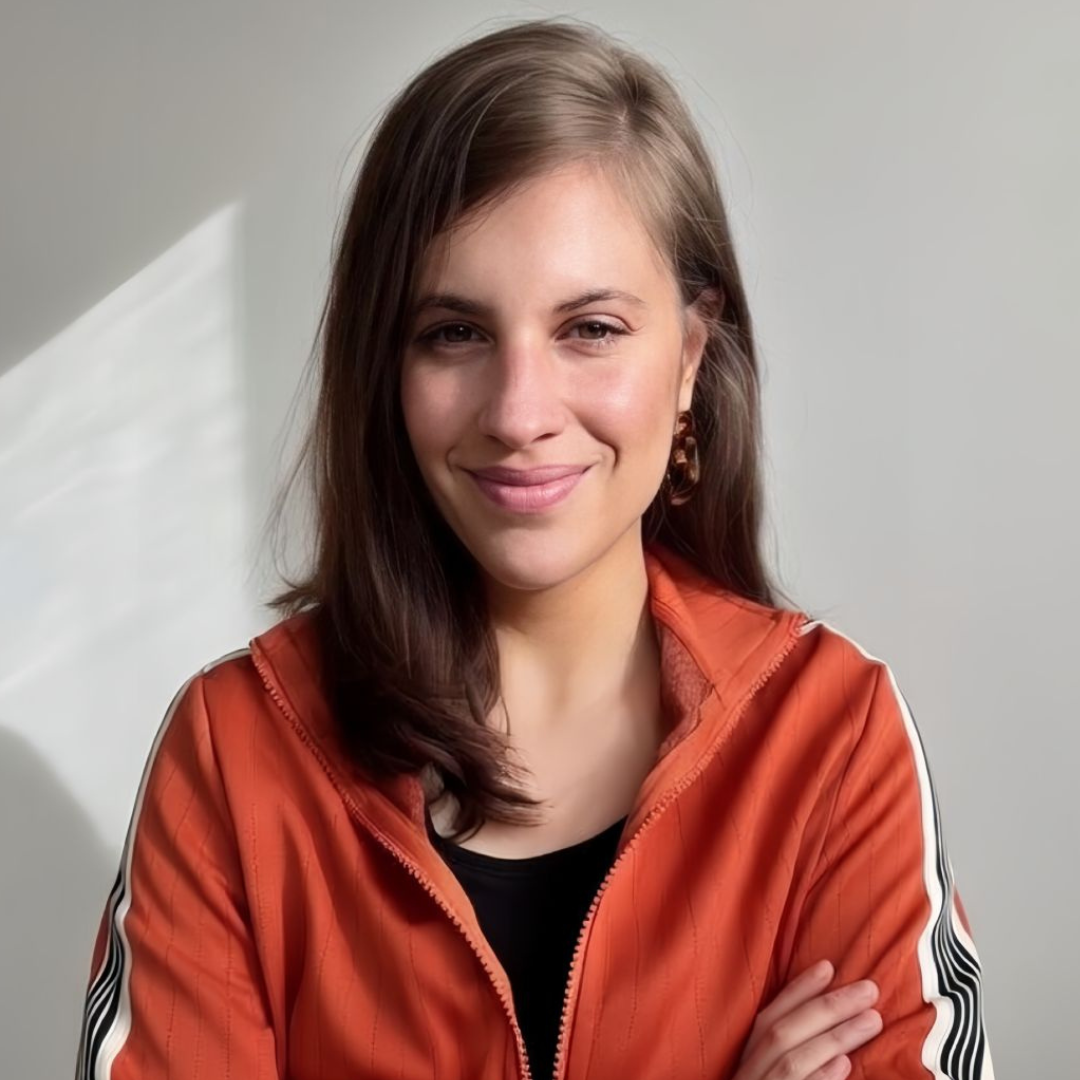
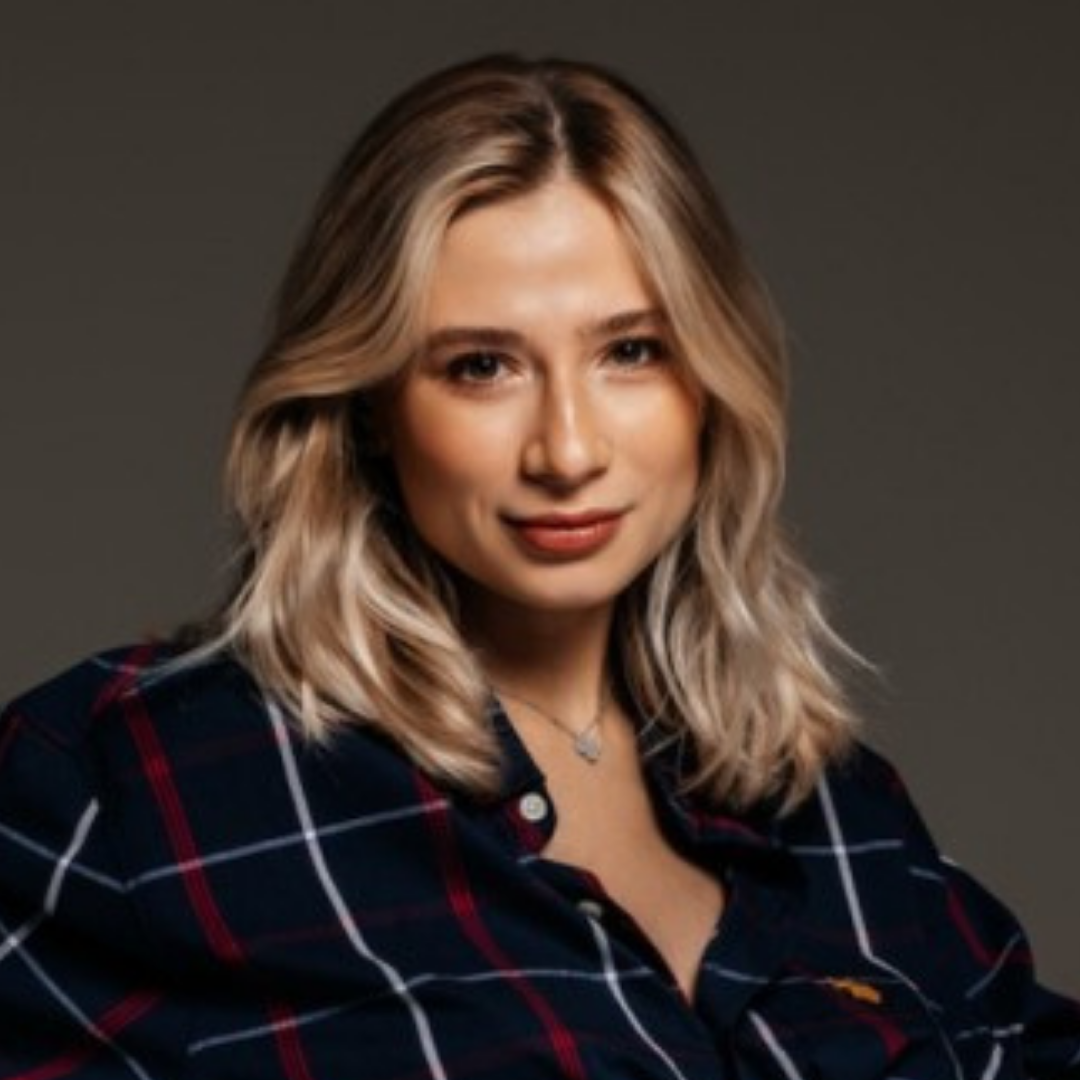
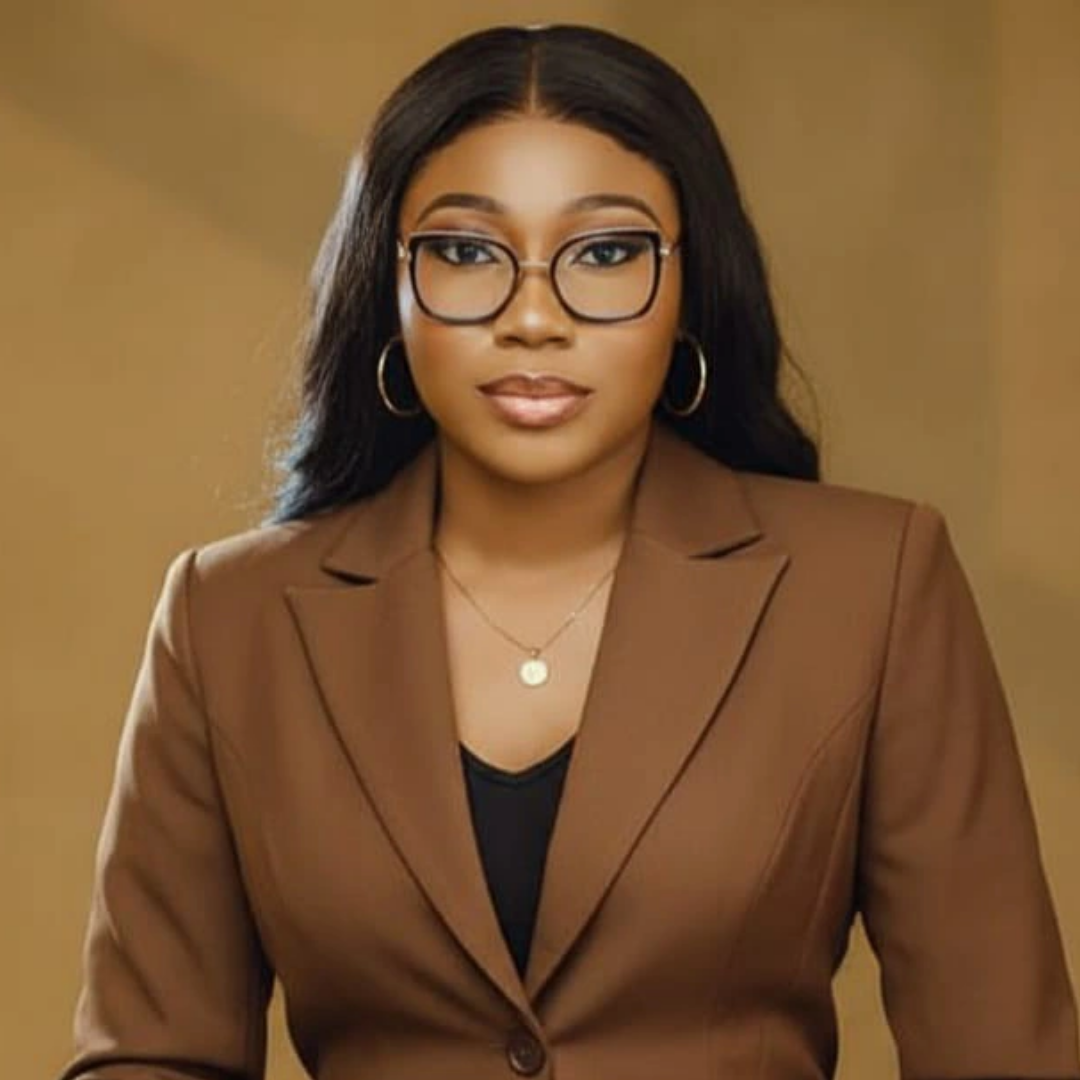
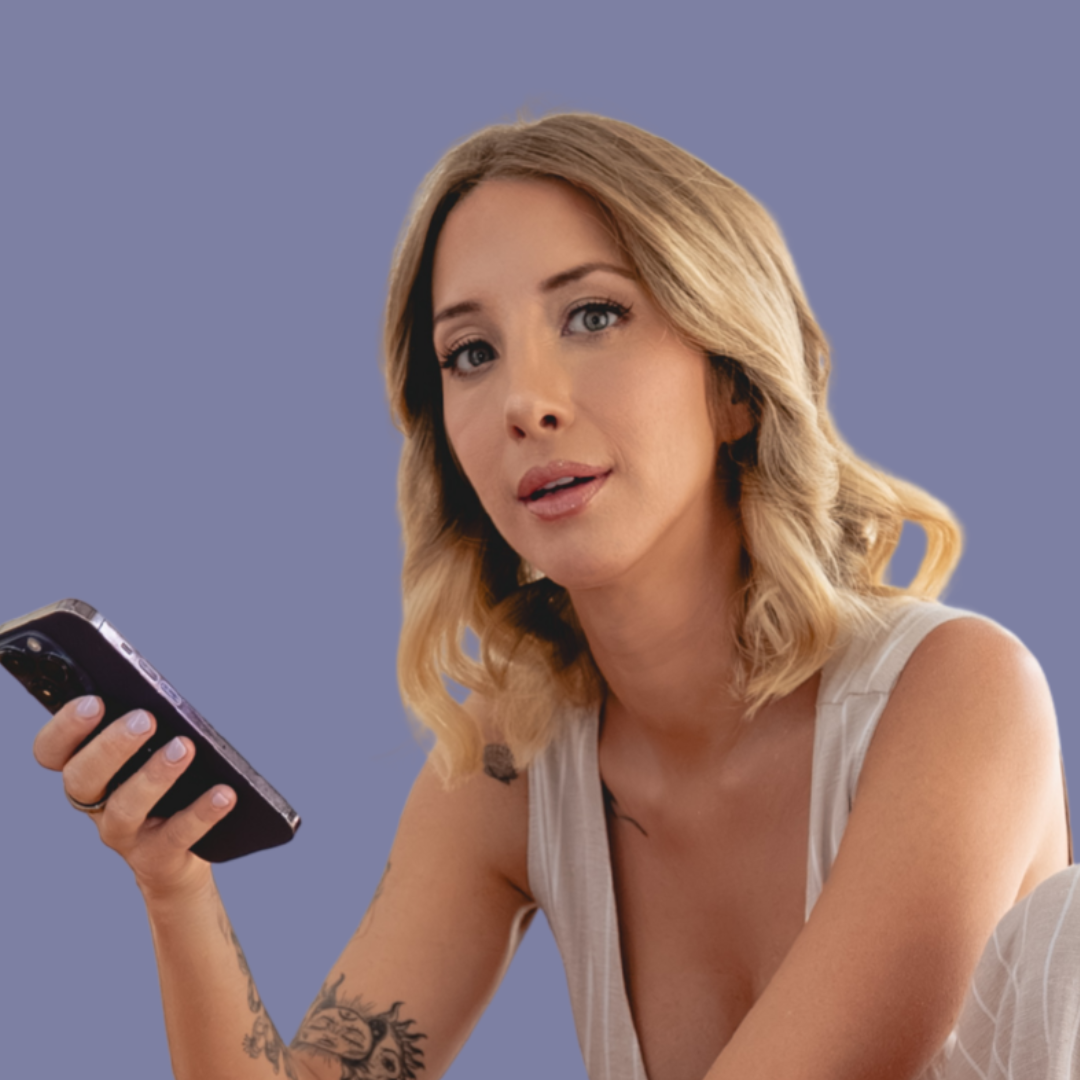
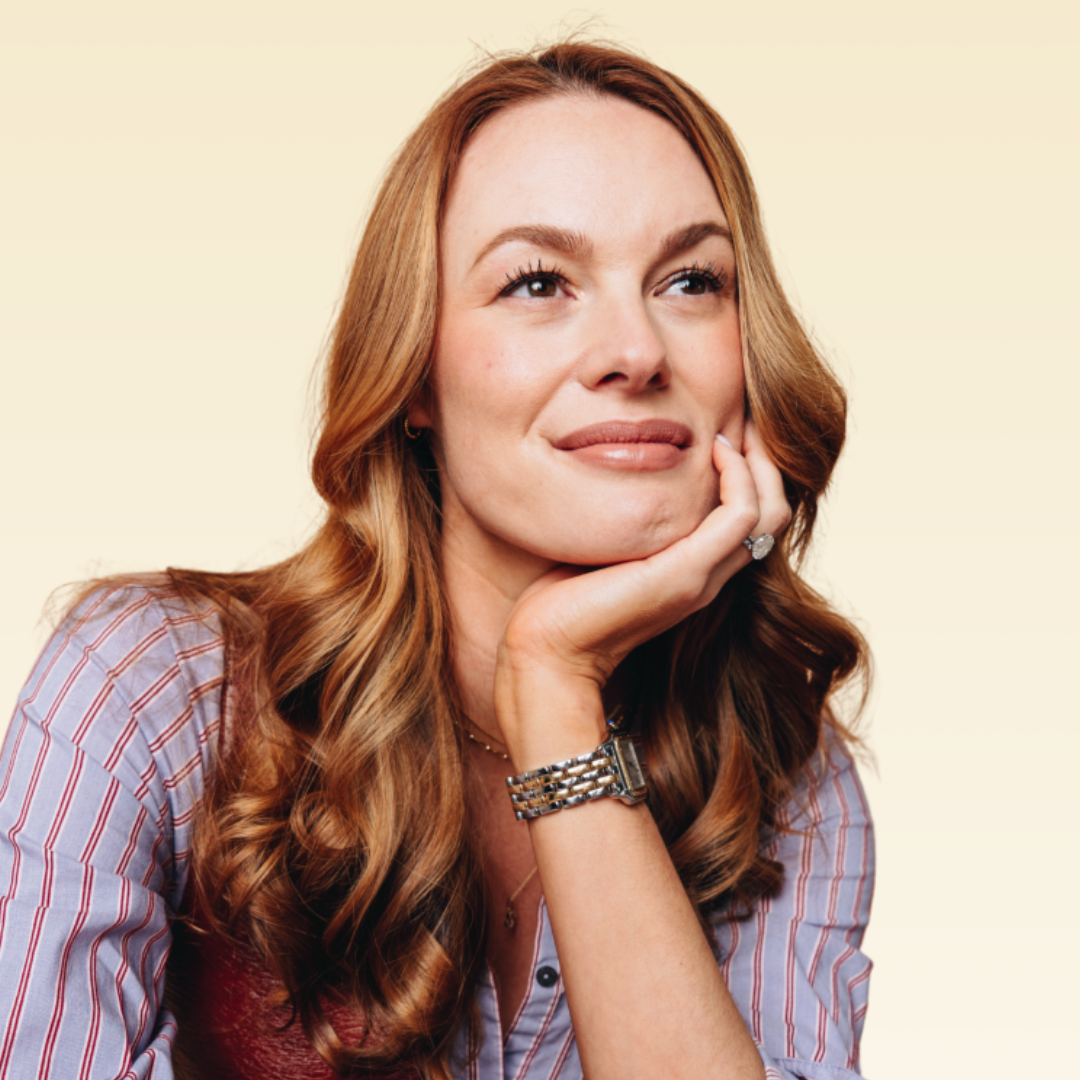
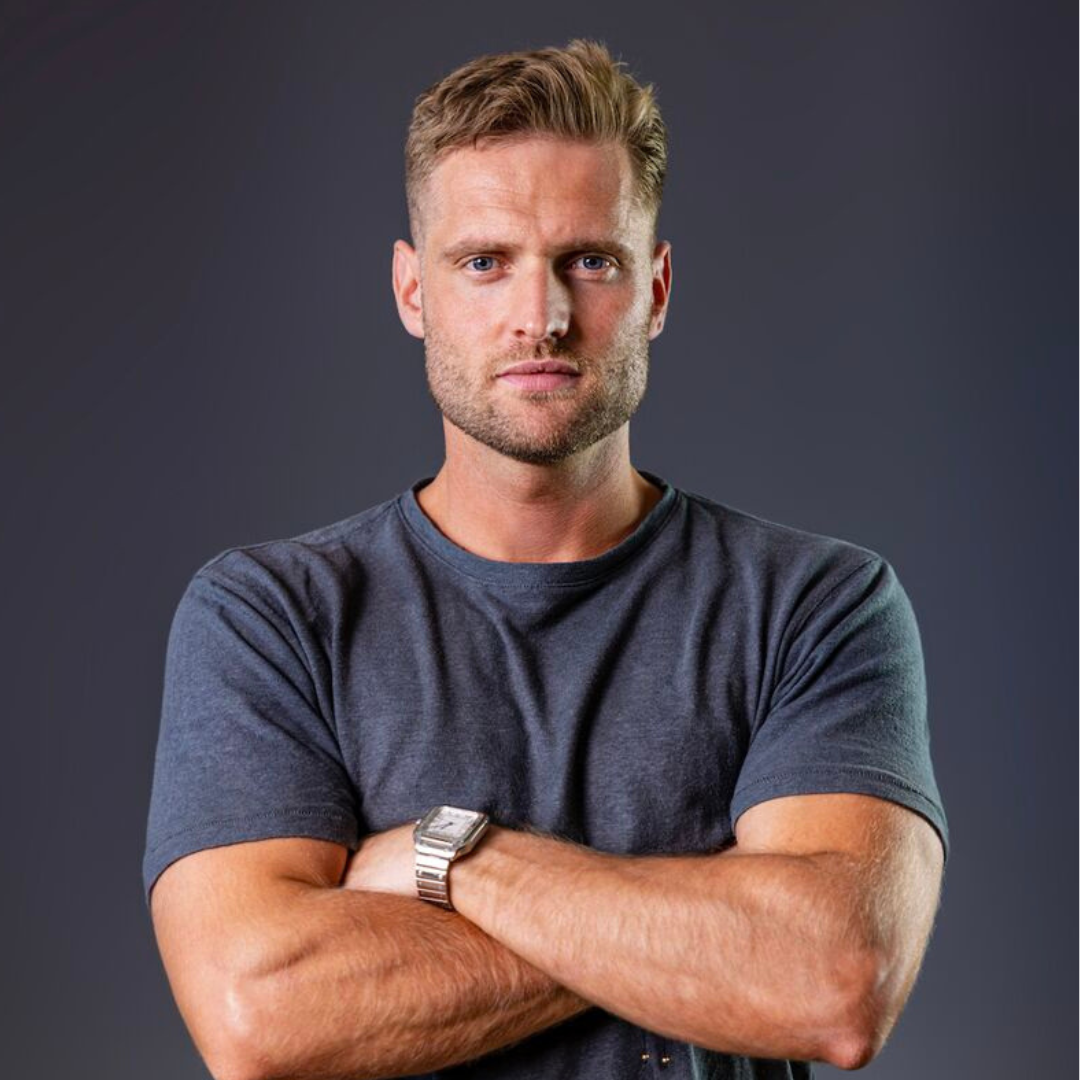
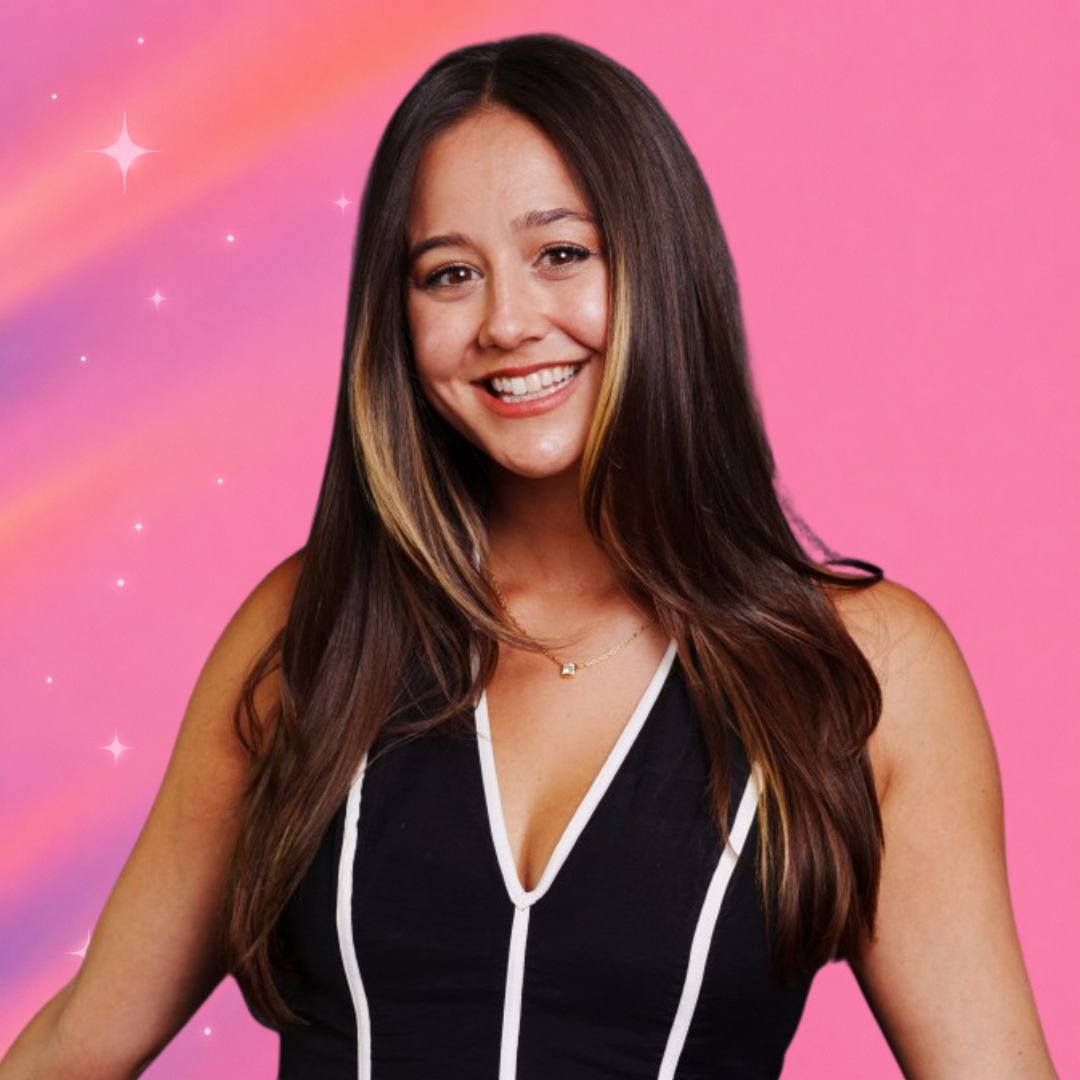
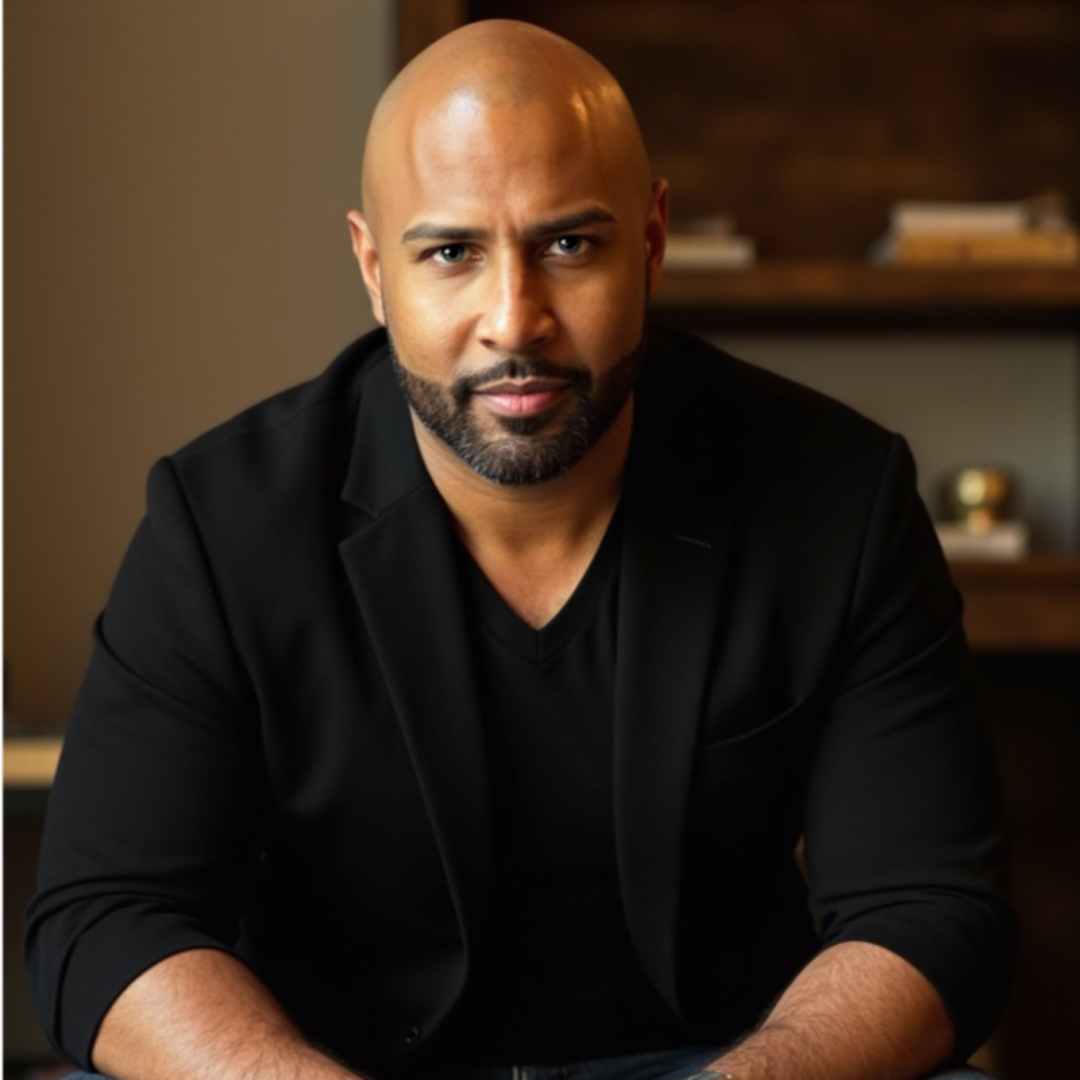
A selection of recent guests on the podcast.
Early Access
30 days. 10 modules. Everything you need to take your video podcast from idea to launch.
Be among the first to hear when the course becomes available.
We respect your privacy. Your name and email will only be used to send updates about this course. Unsubscribe at any time.